Use a clear image you created or have permission to process, with an adult subject, deliberate composition, readable silhouette, and enough surrounding space for the intended movement. Avoid accidental crops and unclear adulthood. Model-specific file, size, quantity, and format requirements appear in the live Workspace.
Turn an adult still into an NSFW video.
Pornify starts this workflow with an adult still you have the right to use, then makes a new NSFW video from a focused motion prompt. The image sets the opening frame; your prompt directs the subject, camera, pace, and atmosphere. Review the live model options and Credit estimate before generating.
MiniMax H3 Text to Video sample
Separate the frame from the movement
Let the authorized source carry appearance and composition. Use the motion prompt for change: subject action, camera movement, environmental motion, and pace. Then confirm that the selected live model supports the input and output settings you need.
- 01
Choose an intentional starting frame
Use a clear image you created or have permission to process. Check the subject, crop, background, and visual hierarchy before asking the frame to move.
- 02
Describe motion, not the whole image again
State the subject action, camera direction, environmental movement, and pace. Keep the most important movement unmistakable.
- 03
Match the request to a live model
Review the current input requirements, output controls, and Credit estimate shown by the Workspace before generating.
One frame, three motion prompts
Each example starts from an authorized still and isolates a different motion intention. Compare a side track, restrained dolly, and orbit while keeping the source responsible for appearance. These are illustrative setups, not output guarantees.
Swipe horizontally to explore all three examples.
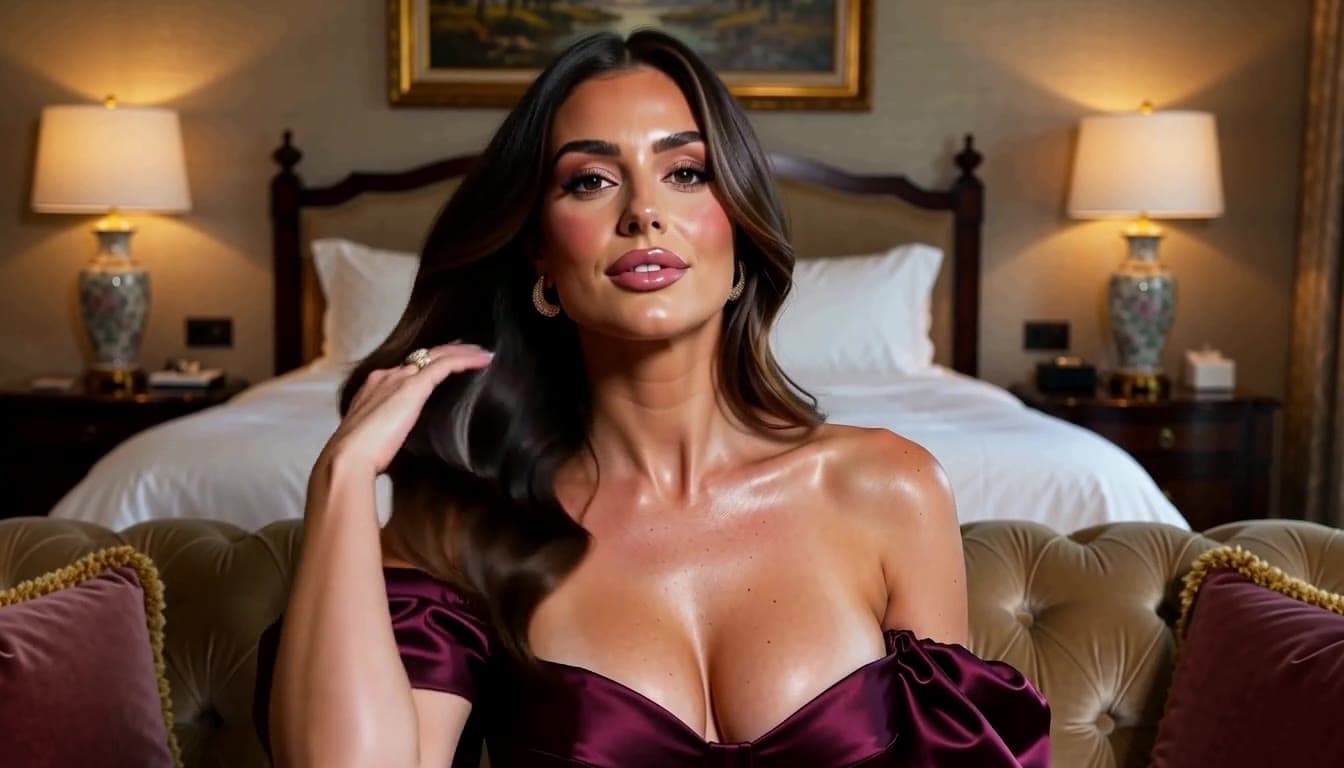
Rain-lit tracking
PromptTrack slowly beside the subject; preserve the profile and gallery framing while rain reflections drift across the glass.
The source carries appearance and composition; the prompt adds lateral motion.
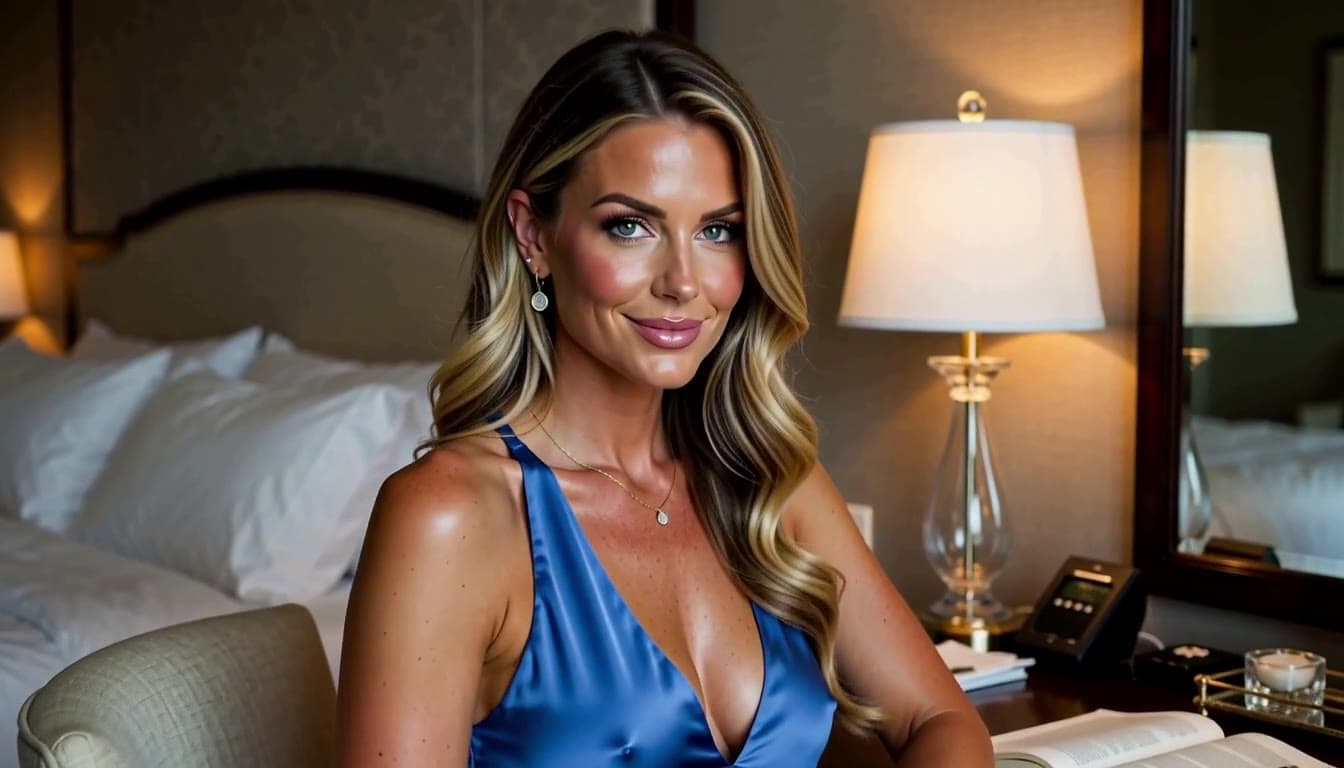
Amber dolly-in
PromptMove the camera gently toward the performer; keep the stage centered as the gown and practical lights shift subtly.
A restrained prompt protects the strong symmetry already present in the source.
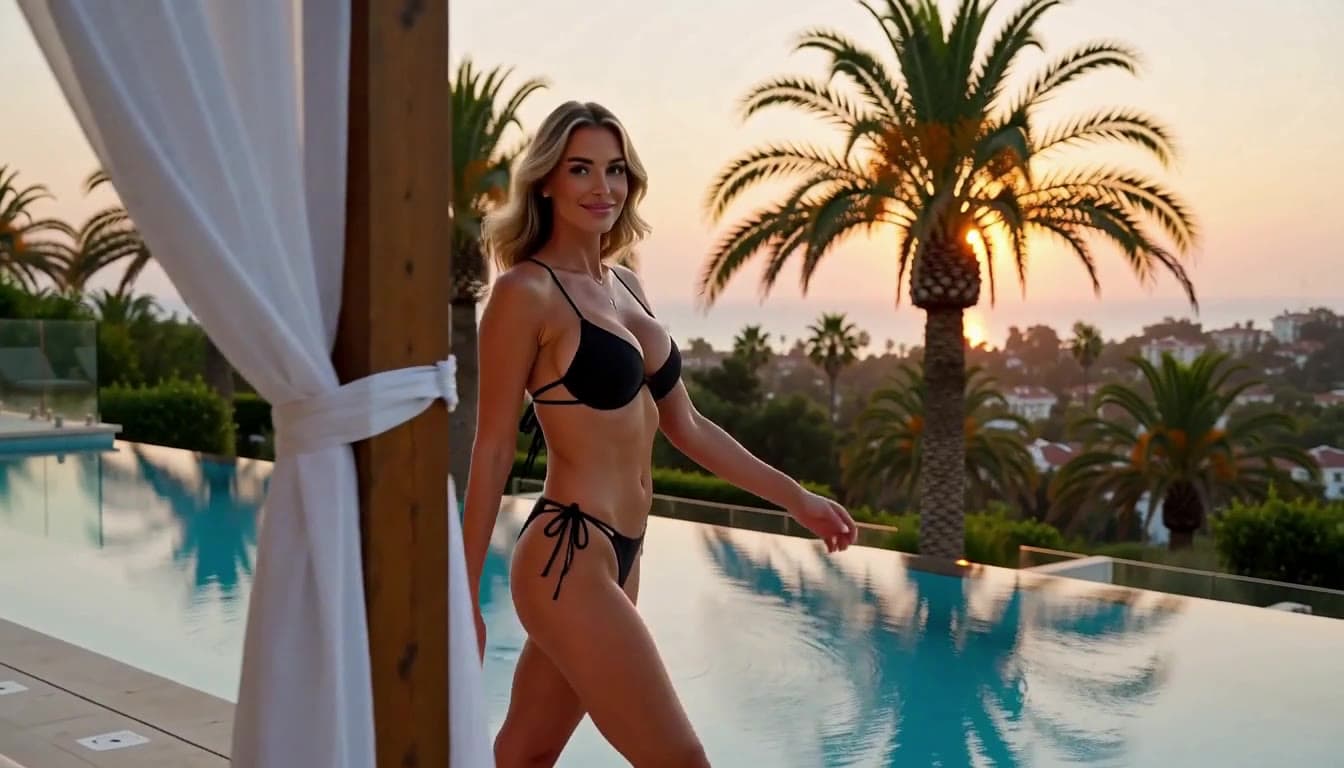
Rooftop orbit
PromptOrbit around the silhouette at a calm pace; retain the rooftop horizon while fabric and distant light move with depth.
Separating camera, subject, and background motion makes the brief easier to evaluate.
Settings for the source
Available motion settings should support the source rather than fight it. Start with a compatible crop, choose one available motion direction, and review duration, resolution, model, and Credits together. Exact controls and input requirements remain defined by the live catalog.
| Goal | Focus on | Why it helps |
|---|---|---|
| Preserve a portrait emphasis | An aspect ratio close to the source crop | Avoiding a large framing change gives the motion prompt a clearer starting composition. |
| Reveal the environment | A wider available frame | More surrounding space gives a track, pan, or restrained orbit room to develop. |
| Test stronger motion | One model-supported movement at a time | Separating subject and camera experiments makes the result easier to compare. |
| Control the Credit decision | Source, model, duration, and output together | Confirm the complete live estimate before submitting the generation request. |
Improve a weak motion result
When generated motion drifts, keep the source responsible for appearance and let the prompt describe only the change you need. Revise one variable at a time so you can separate source quality, motion direction, framing, and model behavior.
- The composition drifts
- Shorten the motion prompt and explicitly retain the source framing or strongest visual anchor.
- Body movement looks unnatural
- Reduce the motion range and ask for one deliberate action at a calmer pace.
- The background changes too much
- Name the environmental elements that should remain stable, then remove unnecessary scene descriptions.
- Camera movement overwhelms the subject
- Replace aggressive movement with a slow track, gentle dolly, or locked camera direction.
Generator questions
Practical answers about live settings, Credits, account access, and consent-first creation.
Describe what the subject does, how the camera moves, what changes in the environment, and how fast the moment should feel. Distinguish those layers so one instruction does not contradict another. Avoid restating wardrobe, appearance, and visual details that are already clear in the source image.
Check the live catalog for a model that accepts your authorized source and offers the duration, aspect ratio, resolution, or control the shot requires. Begin with a restrained test before increasing motion complexity. Review the complete Credit estimate after the source and output configuration are selected.
The output is a new generation rather than a guaranteed continuation of every source detail. Large motion, conflicting camera directions, dramatic crop changes, or an overloaded prompt can increase visible variation. Reduce the request to one movement and name the composition or visual anchor that should remain important.
You can inspect the generator and setup while signed out. Submission requires an authenticated account. Return to the same route after signing in.
The live Workspace shows estimated Credits for the selected model and settings before submission. Change either to see the current estimate. Catalog availability and Credit requirements can change.
The still sets the scene. Your brief sets it in motion.
Choose an authorized opening frame, direct one readable movement, and review the live model setup above.